

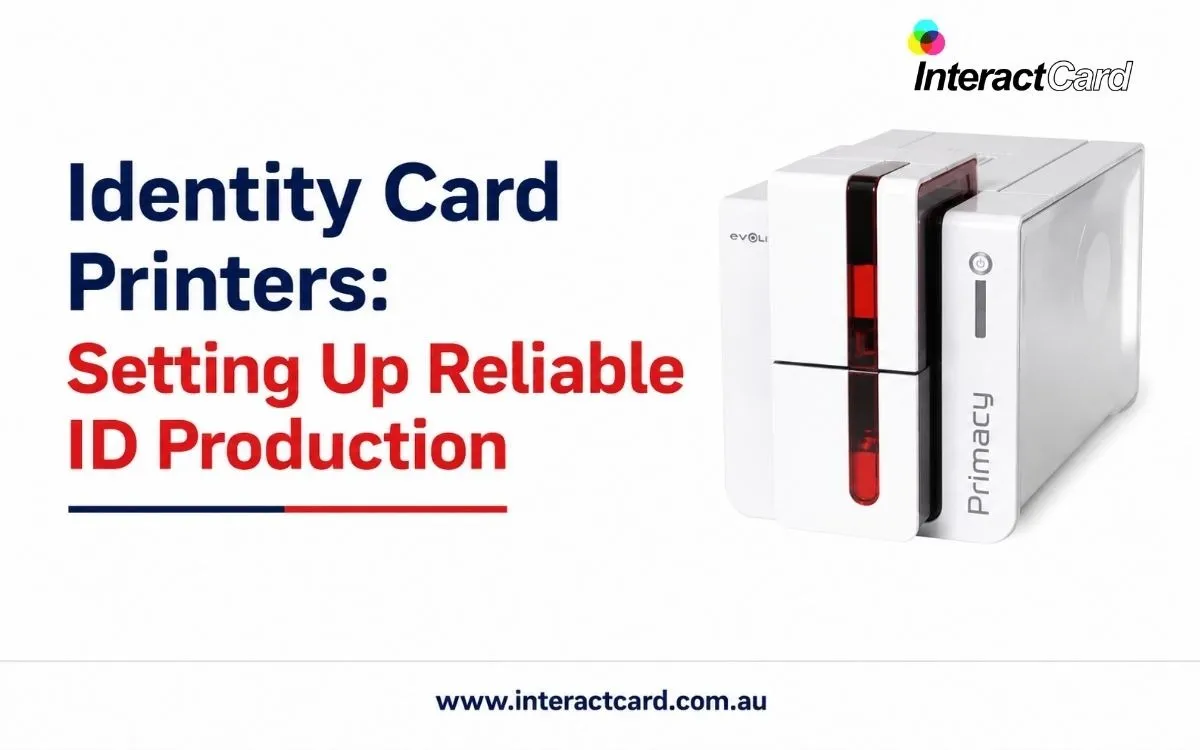
Reliable identity card production is important for any organisation that needs to issue staff IDs, student cards, visitor passes, contractor badges, membership cards, or access credentials. A strong identification system improves security, supports professionalism, and helps people confirm roles quickly. With professional id card printers, organisations can produce cards in-house and maintain control over quality, timing, data, and card design.
In-house production is especially useful when cards are needed regularly or urgently. A lost staff card, a new contractor pass, a visitor badge, or an updated access credential can be produced immediately instead of waiting for an external provider. For organisations that rely on smooth access and identification, this speed can make daily operations easier and more secure.
Start with Clear Requirements
A reliable card production setup begins with understanding your needs. Different organisations issue different types of cards, and each card type may have its own requirements. A simple staff photo ID may only need a name, image, and department. An access card may require encoding. A student card may need a barcode, expiry date, or library number. A visitor pass may need clear temporary identification.
Before choosing equipment, review the following:
- How many cards are issued each month?
- How quickly do replacement cards need to be produced?
- Will the cards be used for visual ID only?
- Do you need access control or smart card encoding?
- Should cards be single-sided or double-sided?
- Will cards need protective overlays or lamination?
- Who will manage the software and printing process?
- Are different templates needed for staff, visitors, contractors, or members?
These questions help define the right system and prevent costly mistakes.
Choosing the Right Printer for Your Workflow
The best printer for id card printing is the one that matches your real workflow. A small organisation may need a compact, easy-to-use printer for occasional staff cards. A larger workplace may need a faster model that can handle frequent printing, double-sided cards, and secure encoding. A school or university may need a printer that can produce cards in batches at the start of each term.
Your workflow should guide the decision. If your team prints cards daily, speed and reliability are important. If cards are highly visible to customers or visitors, print quality and design consistency matter. If cards are part of a security system, compatibility with access technology becomes essential. A printer should make the process easier, not create extra work.
The Role of Print Quality
Identity cards must be easy to read and professional in appearance. Clear photos, sharp names, consistent branding, and readable barcodes all help the card perform its purpose. A poor-quality card can create confusion, slow down security checks, or make the organisation look less professional.
Good print quality is particularly important where cards are used for access, verification, or customer-facing roles. A staff member wearing a clean, professional ID badge is easier to identify. A visitor pass with clear details helps reception and security teams manage site access. A membership card with strong branding supports a better customer experience.
Durability and Card Life
Identity cards are usually handled every day. They may be tapped at access readers, swiped through systems, worn on lanyards, or carried in wallets. Because of this, they need to remain readable and presentable over time.
Durability depends on the card material, printing method, ribbon quality, and finishing options. Some cards may only be needed for a short period, while others must last for years. For high-use cards, protective overlays or lamination may be worthwhile. Although these options can add cost, they may reduce reprints and improve long-term value.
Security and Access Control Considerations
Identity cards often support security beyond simple visual identification. They may help control building access, restrict areas, track attendance, or verify membership. In these cases, the card production system must be compatible with the organisation’s security requirements.
Possible features include magnetic stripe encoding, contact chip encoding, contactless card support, barcodes, QR codes, serial numbering, expiry dates, or visual security elements. Not every organisation needs all of these, but the right features should be selected based on risk, use, and future requirements.
For example, a small office may only need photo ID badges. A warehouse may need access cards for different zones. A school may need student cards with barcodes. A secure facility may need encoded cards with strict design control. Understanding these use cases helps you choose equipment wisely.
Software, Templates, and Data Accuracy
Reliable ID production depends heavily on software. The software should make it easy to design templates, add photos, enter personal details, and print cards accurately. It should also support consistent layouts so every card follows the same standard.
Templates are useful because they reduce repetitive design work. You can create different templates for employees, visitors, contractors, students, volunteers, or members. Staff then only need to enter the required details and print the correct card. This improves consistency and reduces mistakes.
Data accuracy is also important. A card with the wrong name, outdated job title, incorrect expiry date, or poor-quality photo may need to be reprinted. A good workflow helps minimise errors before printing.
Consumables and Maintenance
A reliable production system needs the right supplies. Blank cards, ribbons, cleaning kits, overlays, and laminates should be easy to source. Running out of consumables can delay card issuing, especially during busy onboarding periods or events.
Maintenance should not be ignored. Card printers need cleaning to prevent dust, card debris, and ribbon issues from affecting print quality. Regular cleaning helps reduce jams, faded prints, and wasted cards. Staff should understand basic maintenance steps and know when to ask for technical support.
Training Staff to Use the System
Even a user-friendly printer works best when staff are trained properly. Training should cover card design, photo handling, data entry, printer operation, ribbon changes, cleaning, and troubleshooting common problems. This helps prevent delays and gives users more confidence.
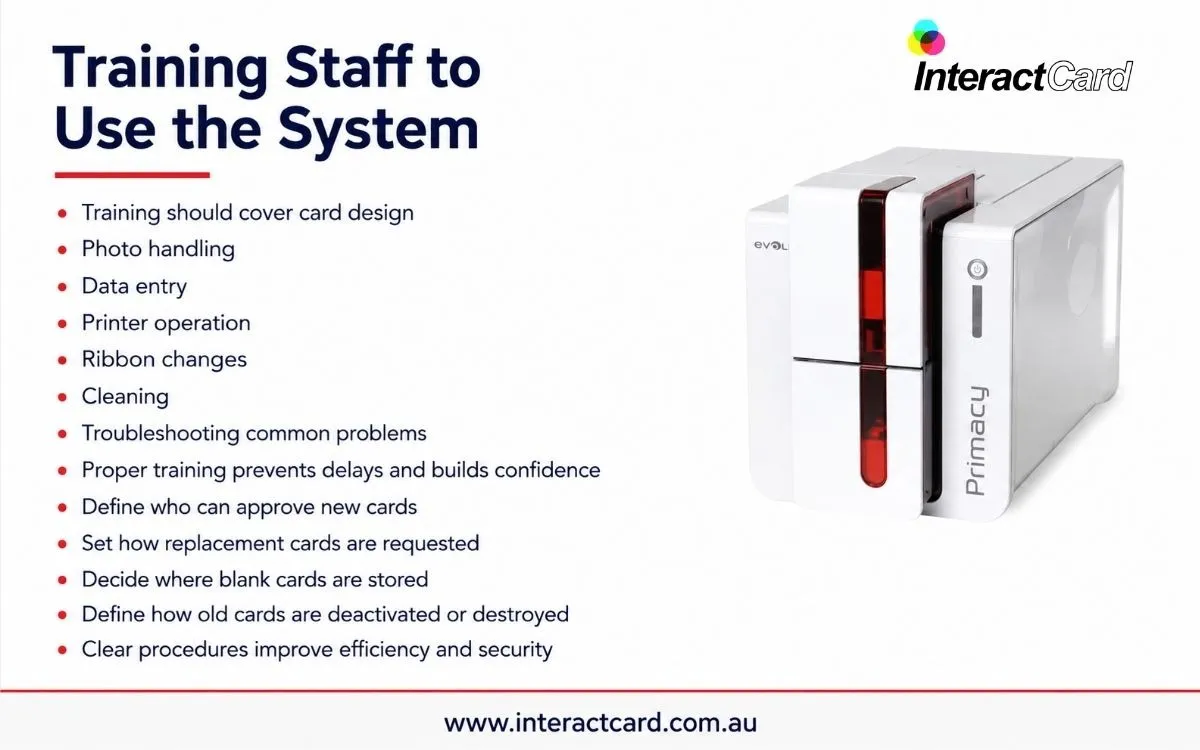
A clear internal process also helps. For example, your organisation may decide who can approve new cards, how replacement cards are requested, where blank cards are stored, and how old cards are deactivated or destroyed. These procedures improve both efficiency and security.
Planning for Growth
Your card printing needs may change over time. A business may hire more staff, a school may expand, a facility may add access control, or an event company may take on larger projects. Choosing a system with some room to grow can save money and reduce disruption later.
Growth planning does not mean buying the most advanced printer immediately. It means thinking about future needs before making a decision. A supplier can help you understand which features are essential now and which options may be useful later.
Building a Reliable ID Production Setup
A strong identity card production setup combines the right printer, suitable software, quality consumables, practical templates, trained staff, and ongoing support. When these elements work together, the process becomes smooth and dependable. Your organisation can produce cards when needed, maintain consistent quality, and reduce reliance on external suppliers.
A dependable identity card printer supports security, administration, branding, and everyday convenience. It gives your organisation the ability to issue professional credentials quickly while keeping control over card information and design.
Final Thoughts
Setting up reliable ID production is about more than buying a machine. It requires planning, the right workflow, proper consumables, good software, and support that keeps the system running. When chosen carefully, an in-house ID card printing solution can save time, improve security, and produce professional cards whenever they are needed. For organisations that issue identification regularly, it is a practical investment in control, consistency, and operational efficiency.